
Key Takeaways
- Define what every record must include before automating.
- Validate and filter incoming leads at the point of capture.
- Deduplicate intelligently: auto-merge obvious matches, flag maybes for review.
- Enrich, route, and assign each inquiry for next-step follow-up.
- Set clear fallback paths for sync errors and maintain long-term workflow ownership.
Introduction
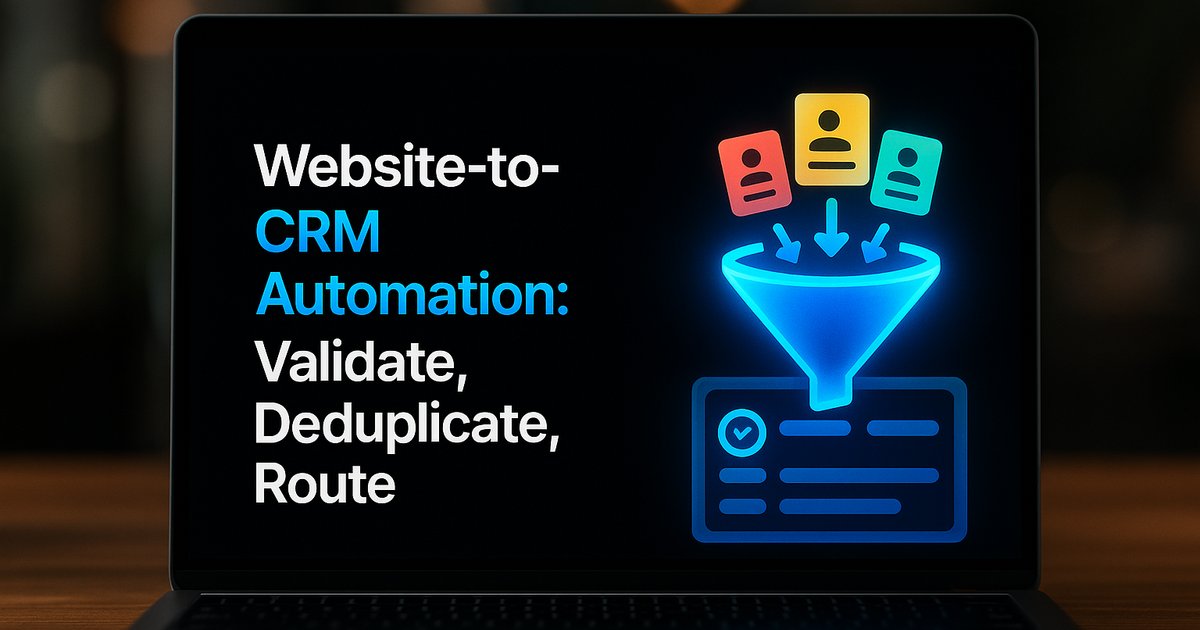
When a potential lead hits your website, you want them in your CRM quickly—and without duplicating records or cluttering sales pipelines. The key steps are validation, deduplication, and smart routing: check each inquiry for complete, real contact info, match with existing records to avoid splits or double-handling, and send it to the right team member with all context included.
A professional website-to-CRM automation flow ensures that every inquiry is checked, cleaned, and matched before becoming a CRM record. This reduces manual cleanup, stops duplicate follow-ups, and sets the stage for fast, consistent sales response. Let’s walk through the steps that keep your data sane and your team focused on next actions, not admin clean-up.
Define Your CRM Handoff: What a 'Ready' Record Looks Like
Before automating anything, map out exactly what a new lead or inquiry must include before it belongs in your CRM. Typically, this means full contact info (email, phone), source details, inquiry context, consent, owner assignment, and a first next-action field. Without this defined handoff, automation just spreads chaos faster. Even with highly flexible tools, set clear expectations—otherwise it’s easy to let partial or incomplete records clog your pipeline.
For more guidance on developing standard operating procedures around new business systems, see our deep-dive in The 7 Systems Every Business Needs to Grow.
Want help implementing this in your business?
Book a CallValidate Incoming Inquiries at the Point of Capture
Build a validation gate into your form-to-CRM workflow. Use automation filters to block incomplete submissions (for example: missing email, invalid phone number, or unchecked consent box). Validation should happen as close to intake as possible—ideally right after form submission, before data even reaches your CRM. Many tools like Zapier, OpenClaw, or Lucidity offer native filter steps for this.
Strong validation cuts noise while protecting data integrity. If you spot patterns in incomplete or spammy submissions, update your forms or filter rules—don’t rely only on downstream cleanup.
Deduplicate: Auto-Merge or Flag with Confidence Levels
Deduplication is where most CRM automations fail if not handled upfront. Match on primary keys like email or company domain. Use an automated process: auto-merge high-confidence matches, flag medium-confidence for manual review, and create new records only for genuine new identities.

If two different forms are submitted from the same company in a short time, merge activity logs but flag records for owner review to avoid accidental overwrites. This step is critical if you gather leads from both web forms and import lists regularly. For more on why deduplication matters, see Business Automation Mistakes to Avoid.
Enrich Leads Before Routing for Better Decision-Making
Once a lead passes validation and deduplication, consider adding enrichment: firmographics like company size, industry, or region. Many middleware platforms can automate basic enrichment from public or purchased databases. Enriched leads give your routing logic better context, which drives smarter assignment and qualification decisions.
Enrichment isn’t just about sales—it reduces false-positives and flags leads for non-standard followup as needed.
Route and Assign: The CRM Handoff Step
With a fully checked and enriched record, automation should next push this data into the right CRM object (contact, company, deal) and assign an owner based on role, region, or round-robin logic. Include triggered next-steps (like a follow-up task or notification) and track the original source for analytics. Don’t skip failure handling—if the sync fails, have a retry queue or local archive, and alert a workflow owner for reconciliation.

Effective routing isn’t just about speed; it’s about making sure every lead lands where it can be acted on, never lost or stalled. For implementation tips, check our guide on How to Integrate AI Into Your Workflows.
Monitor, Test, and Maintain Your Automation
The best website-to-CRM automation schemes aren’t 'set and forget'. Assign workflow ownership so someone is on the hook for reviewing edge cases and updating rules as forms, products, and teams change. Use test submissions to probe edge cases like duplicate records, missing fields, or unusual countries and industries. Dashboards and alerts help spot failures quickly, so you don’t wake up to a sea of missed or mishandled leads.
Ongoing attention here ensures automation boosts your sales pipeline without letting missed inquiries slip through the cracks.
Conclusion
A solid website-to-CRM automation setup filters, deduplicates, and routes inquiries with minimal manual clean-up. Define what counts as a complete record, validate and deduplicate early, and route all valid leads with clear backup plans for errors. This not only saves your team pain, it measurably boosts sales response and data quality.
Ready to upgrade and sanity-check your website-to-CRM automation? Start by booking a call with the TitanTech360 team to discuss a real-world assessment and next steps.
Frequently Asked Questions
What fields do I need for automation to work?
At minimum, capture a name, valid email or phone, inquiry context (what they want), consent checkbox, and the inquiry’s source. Stronger workflows also map who should own and follow up on the record.
How often should I check for CRM duplicates?
Every submission should be checked in real time before it becomes a new CRM record. Batch deduplication afterward is a safety net, not a substitute.
What happens if data fails to sync?
Build in fallback paths: failed syncs should go to an archive or retry queue. Also ensure someone owns daily troubleshooting and reconciliation.
Can I automate routing across different teams?
Yes. Use assignment rules based on location, service type, or urgency. Many automation tools let you map fields and route leads dynamically to the right user or team.
Is Zapier enough, or do I need custom solutions?
Zapier handles most email/form-to-CRM flows for small-to-mid teams. If you need richer enrichment, more complex deduplication, or full-case fallbacks, consider specialty middleware or custom development.
Ready to Put This Into Practice?
Let's talk about where your business stands today and what to fix first.
Book a Call