Key Takeaways
- DIY automation works for simple, low-risk, and low-volume tasks.
- Switch to managed automation when workflows touch revenue or span multiple systems.
- Manual maintenance costs rise rapidly with workflow complexity or frequent changes.
- Managed automation brings accountability, oversight, and less time lost to maintenance.
- Evaluate support, time investment, and business risk when considering the shift.
Introduction
If your business started with DIY workflow tools like Zapier or Make, you’ve likely enjoyed a quick boost in productivity. But as needs grow and complexity increases, there’s a point where maintaining home-built automations eats more time than it saves, and small issues can turn into big risks. The ideal time to move from DIY to managed automation is when workflows become revenue-critical, demand multi-system integration, or require oversight that your team can’t provide consistently.
In this post, we’ll break down when DIY automation stops making sense, what triggers the shift toward managed automation, and how to spot the right moment to bring in expert support. If you’re losing hours to manual fixes or no longer trust your automations, you’re in the right place. For background context, see our guides on manual vs automated business processes and how to integrate AI into your workflows.
What Counts as DIY vs Managed Automation?
DIY automation means you or your team create, connect, and maintain workflows using platforms like Zapier, Make, or native CRM automation. You’re in charge—and that includes handling every fix, update, and outage. It works well for basic, low-risk processes.
Managed automation shifts these responsibilities to a provider who not only designs the workflow but also monitors, adapts, and provides support. Managed solutions include governance, error handling, and keep pace with platform changes. The end result is reliability and peace of mind, not just convenience.
Want help implementing this in your business?
Book a CallWhen DIY Automation Is the Right Fit
DIY setups deliver value when your processes are simple and forgiving. Common examples: sending form responses to a spreadsheet, auto-reply emails, or one-step notifications. These workflows don’t risk major business disruption if something breaks.
DIY tools also fit when you’ve got the time and interest to handle maintenance and tweaks. Many businesses enjoy the control and upfront cost savings—at least, while the process is limited and business-critical risks are low.
The Warning Signs: DIY Automation Is Breaking Down
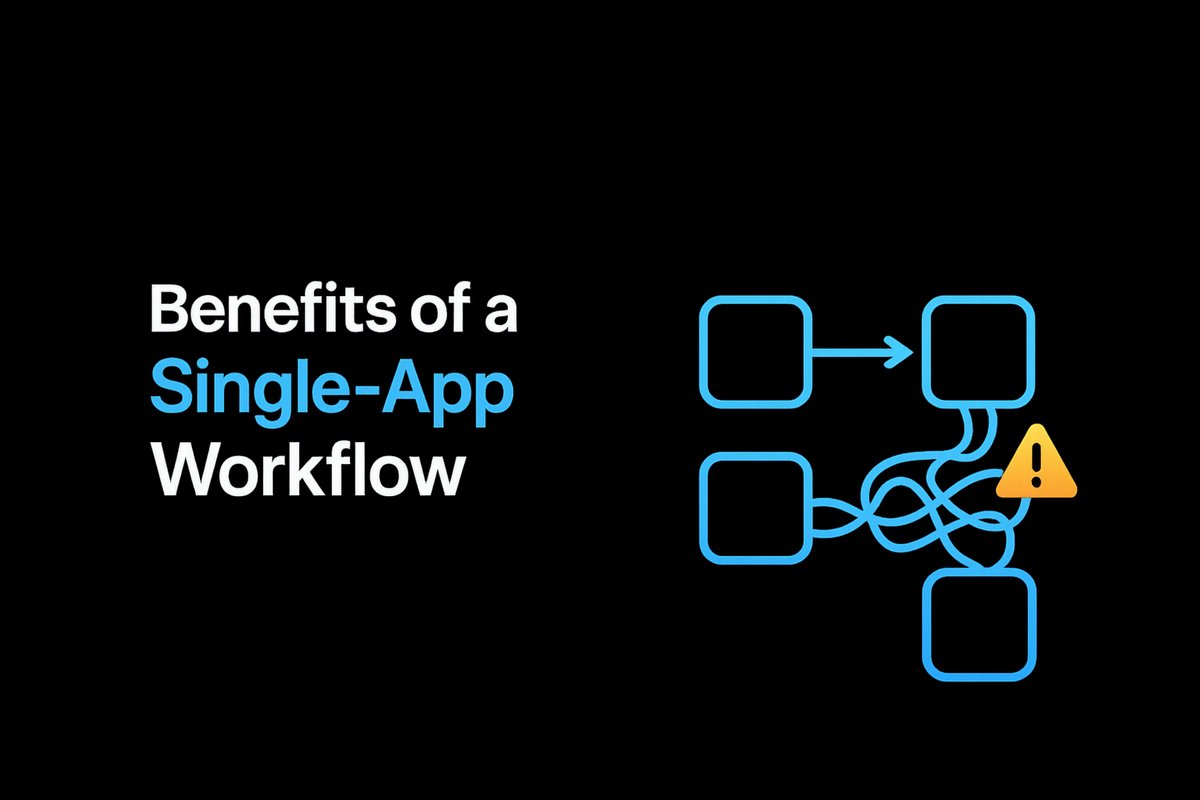
Problems start when workflows expand to cross multiple systems, add complex logic, or handle data that touches revenue, bookings, or customer experience. DIY setups can get fragile, failing without warning if an API moves or a field changes.
Other warning signs: frequent manual fixes, spending 10+ hours a week keeping things working, or anxiety about missed leads, broken processes, or revenue leaks. If you find your team is losing trust or constantly firefighting issues, that’s a critical indicator.
Where Managed Automation Makes Business Sense
Managed automation is built for recurring, high-value workflows—especially where errors would hurt your reputation, service, or revenue. Examples include lead routing, onboarding, document management, or cross-system updates that need clear oversight.
A managed setup brings oversight, fallback plans, and professional maintenance. Providers can spot early warning signs, handle platform updates, and keep your systems running smoothly while your team stays focused on core work. More on these services can be found in our business process automation guides.
Key Triggers for Change: When to Make the Switch
Consider moving to managed automation if any of these sound familiar:
- Your workflows involve several platforms and require tricky logic or exception handling.
- Missed leads, delayed onboarding, or slow responses are impacting revenue.
- Your team is losing too much time to manual checkups and emergency fixes.
- A process is too important to risk silent failure, but you can’t monitor it constantly.
- You’re tired of dealing with errors—or the anxiety that there might be errors you haven’t found yet.
If maintaining automations is draining energy or you want someone clearly accountable for keeping things running, it’s time to step up to managed automation.
How the Transition Works (and What Changes)
Moving from DIY to managed automation usually starts with an audit of what’s working, what keeps breaking, and which processes are business-critical. Providers remap these workflows, set up professional monitoring, and build in documentation, fallback procedures, and human oversight throughout the process.
Your team wins back time, future updates are handled for you, and you can track accountability through audit trails. Costs are higher than pure DIY, but the benefits in stability and support often outweigh the spend—especially as business demands grow. To see how this fits in a larger digital transformation roadmap, read our explainer on the 7 systems every business needs to grow.
Conclusion
DIY automation is a great start for simple, low-risk needs, but as soon as you’re losing time or trust, it’s time to consider managed automation. Recognizing these shift points helps protect revenue, free your team, and position your business for scalable growth.
If you’re ready to regain focus on your core business and put workflow headaches behind you, book a discovery call to see how managed automation could fit your next stage.
Frequently Asked Questions
What does managed automation cost compared to DIY?
Managed automation has a higher upfront cost than DIY tools, but this pays for expert setup, ongoing support, and lower risk of costly errors. For many, the savings in time and fewer workflow failures offset the investment. See our breakdown of automation implementation timelines and process steps.
Can I keep some workflows DIY while outsourcing others?
Yes, many businesses retain simple, low-risk automations in-house but shift revenue-critical or cross-system automations to a managed provider. This hybrid approach keeps costs controlled but safety nets key operations.
How do I know if my workflows are too complex for DIY?
If your flows involve multiple integrations, conditional logic, or touch sales/customer delivery, and you find yourself fixing things weekly or monthly, it’s likely time for a managed solution.
Is managed automation right only for large enterprises?
No, small and mid-sized businesses often gain the most from managed automation—especially when over-extended teams need to reclaim time and reduce errors in vital workflows.
Ready to Put This Into Practice?
Let's talk about where your business stands today and what to fix first.
Book a Call