
Key Takeaways
- Expect automation software to cost $20–$500 per month for most small businesses.
- Typical one-time setup fees range from $1,500–$10,000, with complex projects higher.
- Ongoing maintenance/support runs $20–$800 monthly, based on complexity.
- Most automation projects pay for themselves within 4–12 months through labor savings.
- Plan budgets by workflow count, systems involved, and reliance on outside help.
Introduction
If you’re a small business burned out on DIY automation tools, budgeting for professional business process automation can feel like stepping into the unknown. The real costs boil down to three buckets: software subscriptions, up-front setup and build work, and ongoing support. In 2026, most small businesses should budget $20–$500 per month for automation tools, another $1,500–$10,000 for typical setup (more for complex or multi-system flows), and allocate $20–$800 monthly for maintenance and updates. Most projects recoup their investment within 4–12 months via time or wage savings, but paying too little usually means headaches down the line. [FEATURED IMAGE: A bold “Automation Cost Breakdown” headline with an icon of a dollar sign inside a stylized gear, set against simple icons representing software, tools, and support.]
This post covers what those business process automation costs actually buy you, how to set a realistic budget, and why automation is a real investment—when done right. We’ll use only 2026 data and proven ROI, not speculation or hype.
Breaking Down Business Process Automation Cost: The Three Budget Layers
All business process automation costs fall into three categories: recurring tool subscriptions, one-time setup/build investments, and ongoing maintenance. Understanding what drives each layer is key to making confident budget decisions.
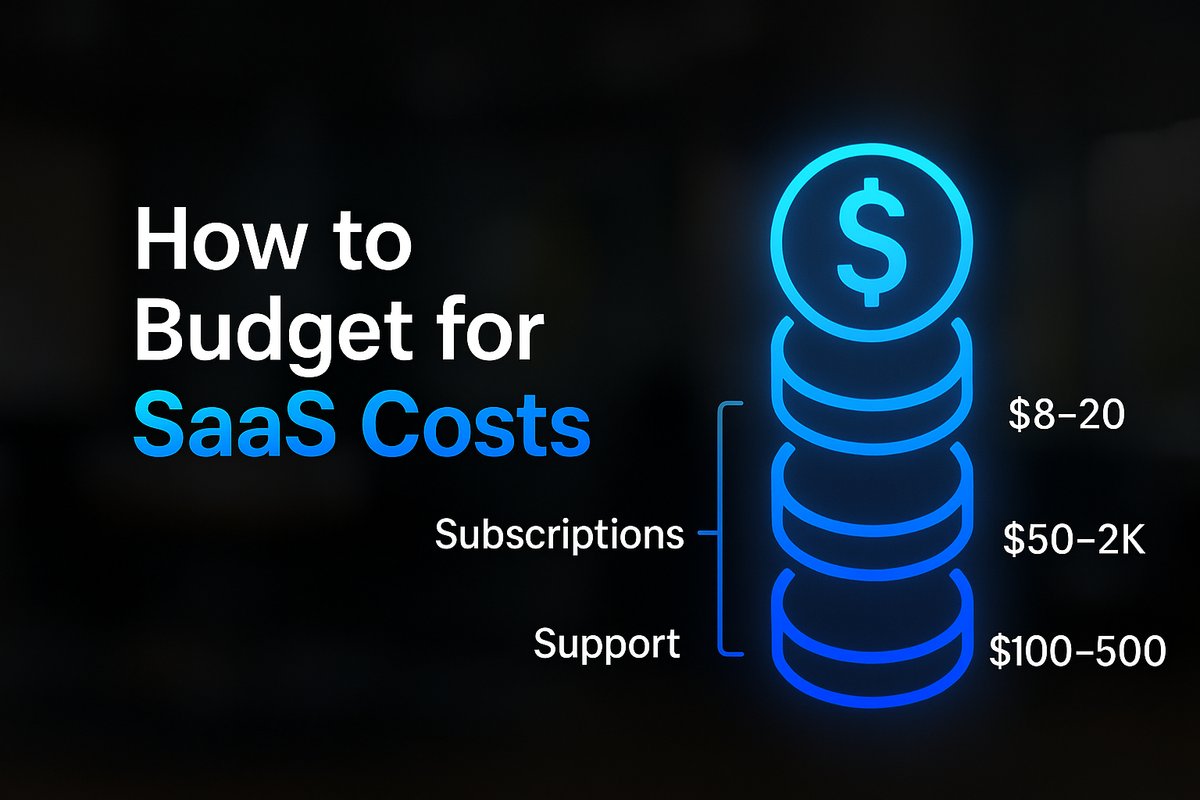
Software subscriptions typically land between $20–$500 per month, depending on workflow volume and features. Up-front builds can start at $0 if you handle everything in-house, but most custom automations range from $1,500–$10,000, with highly involved agency projects stretching higher. Maintenance costs—often overlooked—fall between $20 and $800 monthly for most SMBs, based on frequency of changes and vendor involvement.
Want help implementing this in your business?
Book a CallWhat Software Subscriptions Really Cost for Automation
Automation platforms such as Zapier, Make, and n8n dominate small-business stacks in 2026. Simple single-process automations start at $20–$30/month, but multi-step or high-volume scenarios typically run $100–$400/month. Tool bundles for teams and heavier workloads can reach $500 or more. DIY approaches using self-hosted options sometimes land close to $0/month in raw software, but rarely without increased management overhead and risk.
The majority of ROI-driven businesses budget at least $50–$300 per month for their ongoing automation tool stack, knowing that this is where most of the day-to-day benefits are managed. For a deeper look at recurring automation tool choices and pitfalls, see our guide on Business Process Automation Guides.
Upfront Setup Costs: DIY, Freelancer, or Expert Agency?
Setup costs vary based on who builds your system and how complex your workflows are. Simple DIY automations using template-based tools might be free up to $1,500. A freelancer or consultant handling a single workflow usually charges $2,000–$5,000. Agency-led multi-system projects can stretch to $15,000–$25,000 for small-to-midsize businesses, and truly custom enterprise builds easily exceed $40,000.
Most small businesses pay $1,500–$10,000 for the projects that actually eliminate pain. Attempting to under-budget here often leads to brittle systems and more DIY frustration. For a step-by-step approach to identifying which workflows should be automated first, check out Which Business Processes Should You Automate First?.

Ongoing Maintenance and Support: Don’t Underestimate
Too many businesses underestimate ongoing support. Automation rarely runs itself forever. Every time an app updates, a form changes, or a workflow endpoint moves, you need upkeep. Maintenance budgets typically range from $20 to $800 per month, depending on process complexity and system changes. Agency-supported clients are at the higher end, with monthly retainers for proactive monitoring, updates, and troubleshooting.
Automation support is what keeps your investment delivering value after launch. If you don’t plan for this, you risk missed emails, failed handoffs, and frustrated staff—undoing your original investment.
How Quickly Does Automation Pay For Itself?
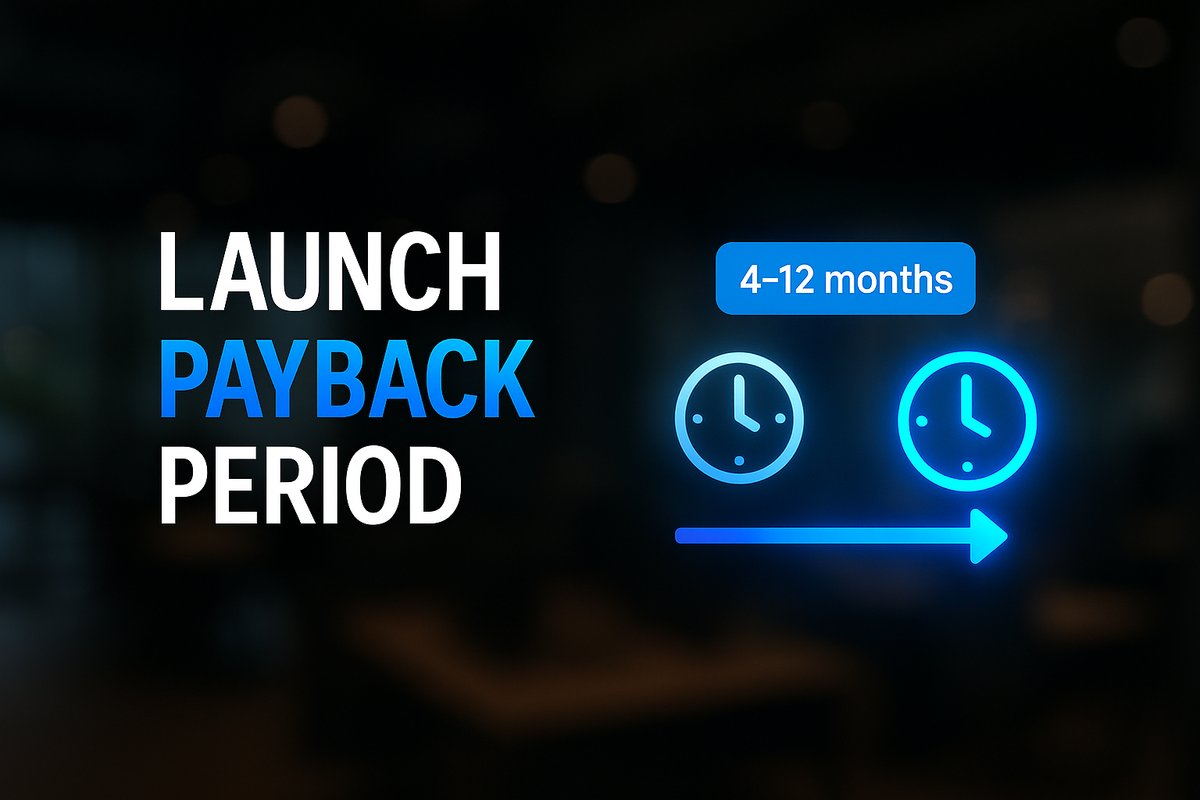
On average, labor and time savings from automation deliver ROI within 4–12 months. Simple automations (like a membership renewal system) have recouped $14,000 per year for businesses with tool stacks costing just $67/month. Even multi-step workflows typically pay off in under a year, often recovering $2,000–$8,000/month in direct value. The earlier you automate high-frequency tasks, the faster you see results.
Use your own numbers to estimate payback: tally the time spent daily on repetitive tasks, multiply by wage rates, and compare that value to automation cost. Try our Automation ROI Calculator for a tailored estimate.
Sample Budget Scenarios: What Should You Actually Plan For?
- Basic single workflow (DIY or template): $0–$1,500 up front, $20–$50/month ongoing. - Standard multi-step or multi-app workflow: $1,500–$10,000 setup, $50–$400/month. - Agency-led business operations automation: $4,000–$25,000 setup, $200–$800/month ongoing. Higher numbers come into play with advanced AI, heavy integrations, or mission-critical ops. Always ask for a breakdown by workflow, user count, and maintenance needs. Most importantly, factor in your own ability to manage any ongoing troubleshooting and updates.
The Risks of Under-Budgeting—and Why You Need a Realistic Plan
Underspending on automation often leads to fragile systems, surprise downtime, and leadership distraction. Businesses who cut corners with $0 setups or skip support usually find themselves back in firefighting mode, repeating manual tasks, and dealing with frustrated teams. Investing in a realistic business process automation cost plan sets you up for less stress and consistent growth—not more chaos. For more on how to avoid classic implementation traps, see Business Automation Mistakes to Avoid.
Conclusion
Budgeting for business process automation is straightforward once you break out software, setup, and support as separate lines. Expect a real investment—but know it’s one that typically pays off in under a year, both in reclaimed time and happier teams. Don’t fall into the common trap of underestimating ongoing maintenance needs or assuming your first automation will run itself forever.
If you want practical help with a custom line-item budget or a workflow audit, book a call with TitanTech360. We’re here to help businesses move past the DIY burnout and build something that works.
Frequently Asked Questions
What’s the minimum I should budget for business process automation as a small business?
For a basic single workflow, budget at least $1,500–$2,000 upfront and $20–$50/month for software. Multi-step or more complex setups cost more, but going much cheaper often results in brittle solutions.
How much ongoing support does automation really need?
Plan for at least a few hours of maintenance or troubleshooting each month. Changes in connected apps, business rules, or APIs mean automation isn’t static—realistically, most businesses will spend $20–$800/month on support, depending on complexity.
Can I automate everything with $0/month tools?
Fully free solutions are rare in production environments. Even self-hosted zero-cost options have hidden costs in setup, risk, or downtime. Businesses aiming for long-term value usually find success budgeting for paid support and tools.
How fast will automation pay for itself?
In 2026, most automations ‘pay back’ in under a year, usually within 4–12 months—some in just a few months if high-value tasks are automated early.
What if my business already has failed DIY automations?
You’re not alone. Many SMBs start with DIY, then switch to partnered setups after unsupported tools fail. Partner with a specialist to audit and rebuild; automation is still worth it if done right.
Ready to Put This Into Practice?
Let's talk about where your business stands today and what to fix first.
Book a Call