Put AI to work. Keep your team in control.
We integrate practical AI into your existing workflows to help your team handle inquiries, process information, prepare responses, and make better decisions—with human oversight where it matters.
New inquiry · Dana R.
Our AC stopped cooling. Can someone come out this week?
AI draft reply
Hi Dana, sorry your AC is out. We can come Thursday at 10:00 or Friday at 2:00. Which works best for you?
What AI can do for you.
Faster, better responses
AI reads and sorts incoming requests and drafts replies for your team to review.
Less time on paperwork
Documents, notes, and data are read, summarized, and filed where they belong.
Clearer decisions
Plain-language summaries of what's happening across your business.
See AI in action.
Three ways we put AI inside real workflows. Pick one to see how it works.
What happens
- Forms automatically create CRM records
- AI scores leads based on responses
- Follow-up emails are drafted automatically
- Sales sees a prioritized list daily
The result
Faster response. No manual entry.
Common AI Integration Use Across Your Business
Practical ways businesses are using AI inside their existing workflows.
AI for Sales Operations
- Lead qualification
- Automatic follow-ups
- Call & email summaries
- CRM updates from conversations
AI for Support & Service
- Ticket categorization
- Suggested replies
- Knowledge base search
- Chat & email assistance
AI for Internal Operations
- Document processing
- Data entry elimination
- Workflow routing
- Report generation
AI for Marketing Execution
- Content drafting
- SEO insights
- Campaign analysis
- Personalization
AI for Decision Support
- Forecasting
- Pattern detection
- KPI monitoring
- Extract insights from business data
AI for Financial Processes
- Invoice processing
- Expense categorization
- Reconciliation assistance
- Fraud / anomaly detection
AI at work, never a black box.
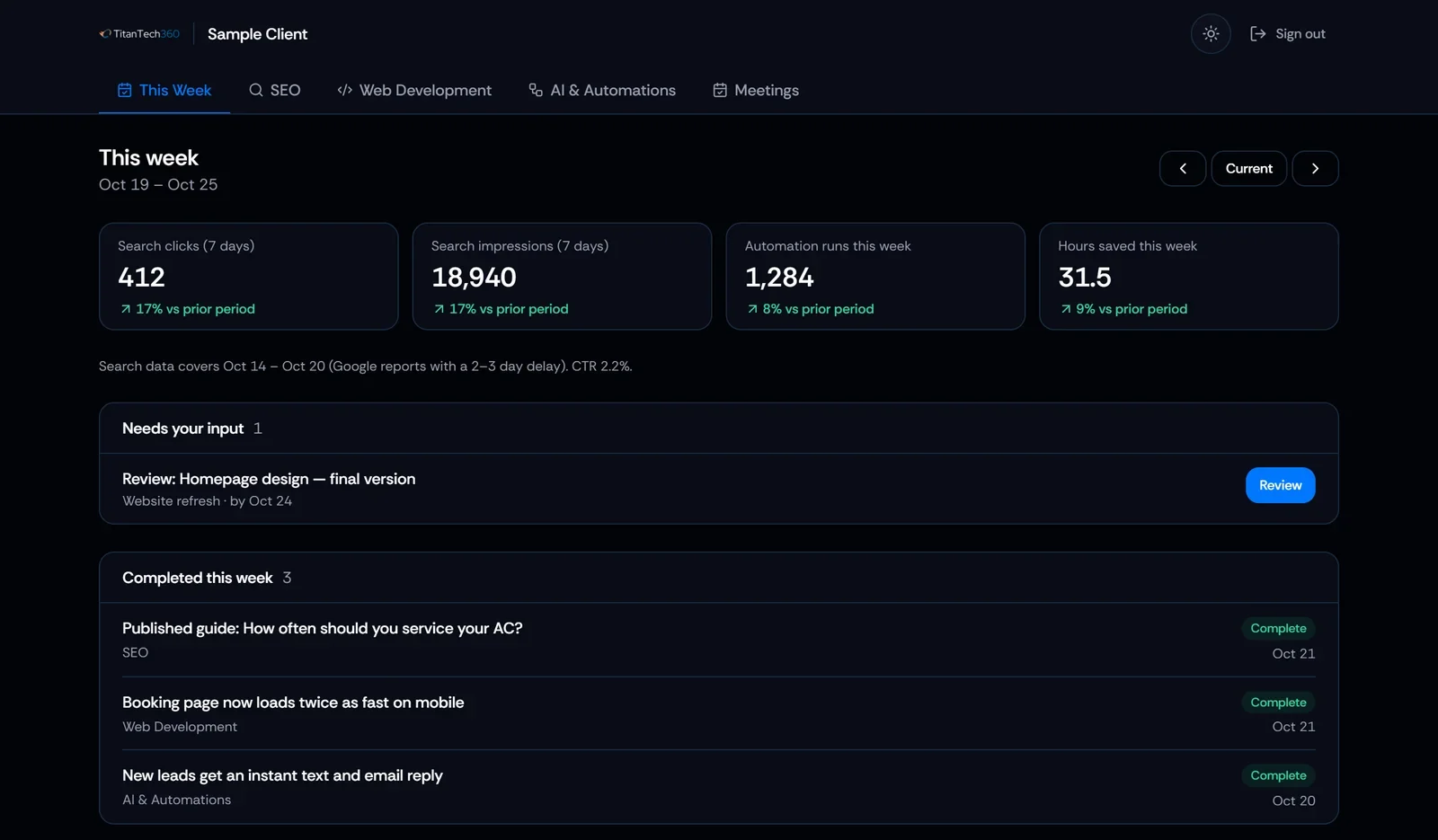
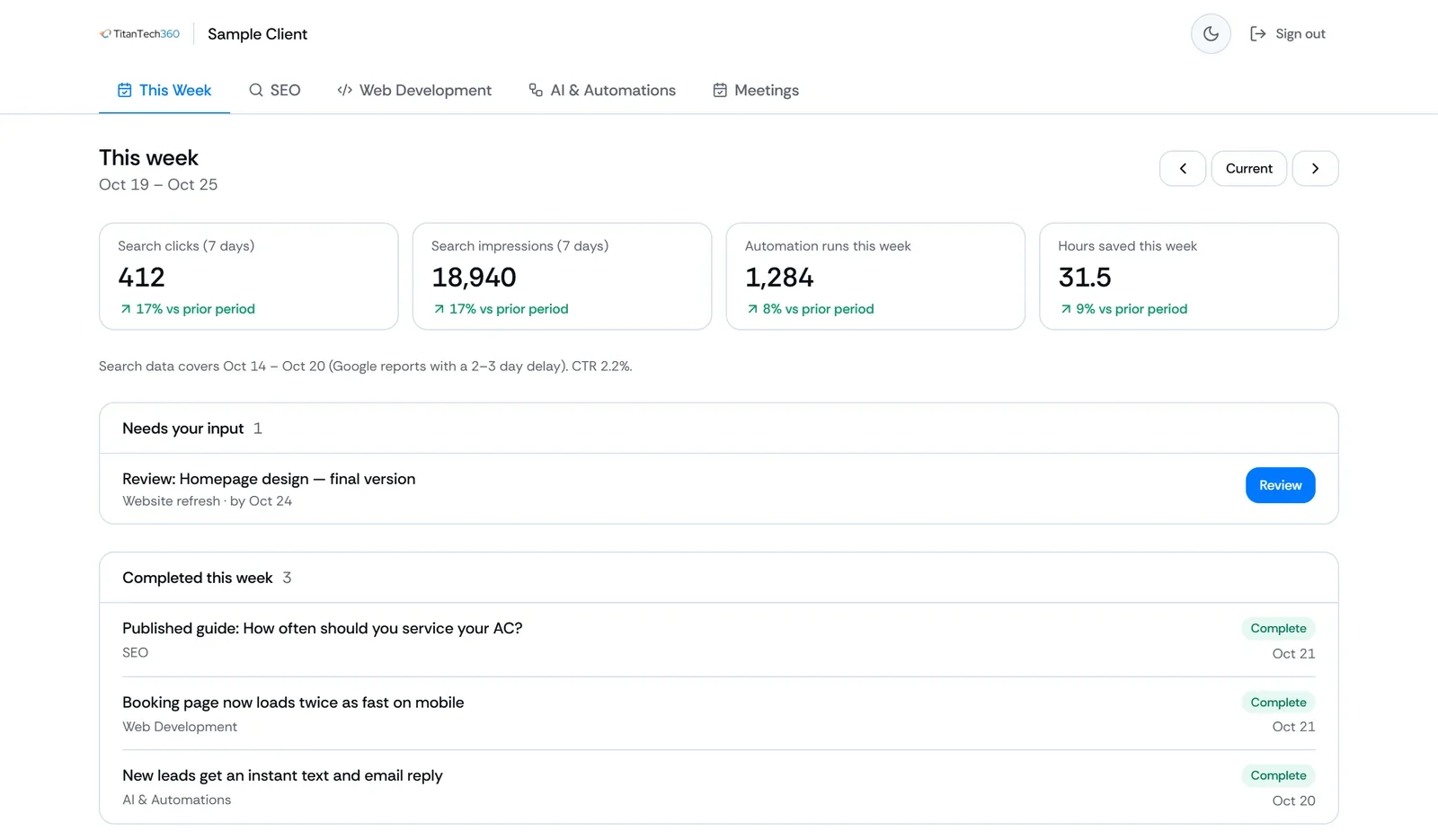
Your client portal shows what's running, what we're improving, and what needs your input.
- Workflow activityRuns and hours saved across your AI and automation workflows.
- Your inputAnything that needs your review or a decision, in one place.
- Completed workEvery improvement and new workflow, logged with its date.
Build it once, or have us run it.
One-time project
We build and deliver a defined AI workflow or agent, then hand it over.
AI Starter
Best for businesses ready to add AI to one existing workflow or process.
$749Starting Price
- Single AI-powered workflow
- AI model integration (analysis, language, or decisions)
- Prompt engineering & configuration
- Connect AI outputs to existing tools
- Testing & deployment
- 7-day post launch support
AI System Build
Best for businesses ready to build custom AI agents or integrate AI across multiple workflows.
$1,949Starting Price
- Custom AI agent design & build
- AI-powered decision making & reasoning
- Natural language processing & generation
- Multi-workflow AI integration
- Tool & API connections
- Agent-ready infrastructure
- Testing & deployment
- 14-day post-launch support
Managed partnership
We run, monitor, and improve your AI workflows every month, within an agreed scope.
Managed AI
Best for businesses that want ongoing AI development, monitoring, and continuous improvement.
$3,495Starting Price / mo
- Monthly AI strategy & development
- New AI agent deployments & iteration
- AI model tuning & prompt optimization
- Continuous prompt refinement
- Tool integrations & maintenance
- Performance monitoring
- Monthly AI process report
Starting prices. Every engagement begins with a scoped proposal, so you know exactly what's included before work starts, including the monthly build scope on managed plans.
What our clients are saying.
“Very easy to talk to, understood the task quickly, and produced a perfect, well-tested result in a timely manner — all while keeping up with status reports. Will definitely be hiring again!”
“Great communication, deep expertise, and always available for questions. We needed an automated script done that a previous contractor couldn't complete — they delivered without difficulty. A+”
Use a standard automation when the steps are fixed and predictable, like moving a form into your CRM. Use AI when the task needs judgment or language, like reading a message, summarizing a call, or drafting a reply. Many workflows combine both, and we'll recommend the simplest option that works.