
Key Takeaways
- Start with architecture: separate layers for website, CRM, automation, and AI.
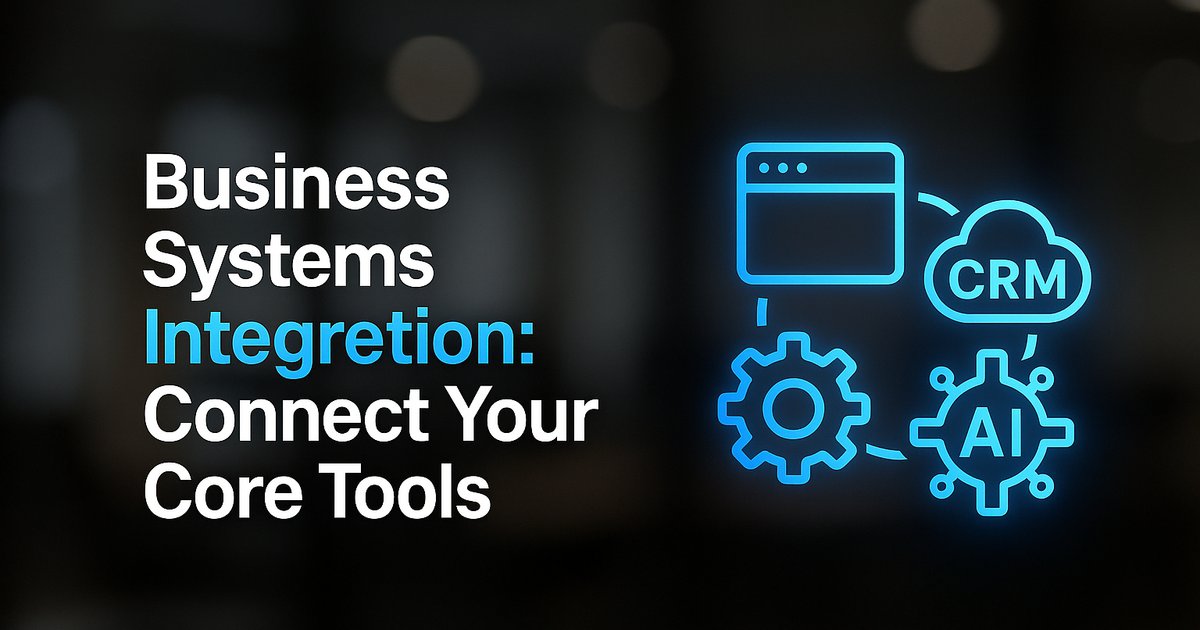
- Website captures leads; CRM stores and organizes; automation moves data and triggers actions; AI assists in tasks with language or reasoning.
- Map your whole system before integrating—don't let tools handle work in isolation.
- Disconnected systems increase manual work, slow response, and create costly errors.
- Book a mapping session with TitanTech360 for a tailored integration plan.
Introduction
To connect your website, CRM, automation, and AI, map how information should flow before picking specific tools. Begin by defining each layer’s role: the website captures visitor intent, the CRM holds all customer records, the automation layer moves data and triggers actions, and AI handles the steps that require language, sorting, or reasoning. By building these layers to feed into each other—rather than operating as disconnected apps—you create a single, reliable business system instead of four separate to-do lists.
Most small businesses try quick plug-ins, but they rarely hold up as systems grow. Instead, connect each layer so leads, data, and decisions flow end to end. This approach means fewer manual handoffs, stronger reporting, tighter customer journeys, and a system that’s ready for smart automation—not just another inbox.
Why Disconnected Tools Hold You Back
Relying on separate apps for website forms, CRM, automation, and AI leaves you patching gaps by hand. Disconnected systems lead to re-entering customer info, missed follow-ups, and lost leads. Each tool keeps its own view of customers, which makes tracking performance difficult and automation unreliable. The long-term cost? More hours spent managing tech instead of serving clients, plus a greater risk of errors and compliance issues.
Integrating your systems not only boosts efficiency but also gives you a foundation for scaling with less hassle. For a breakdown of hidden costs in manual processes, explore our comparison of manual vs automated business processes.
Want help implementing this in your business?
Book a CallThe Four-Layer Architecture for Business Systems Integration
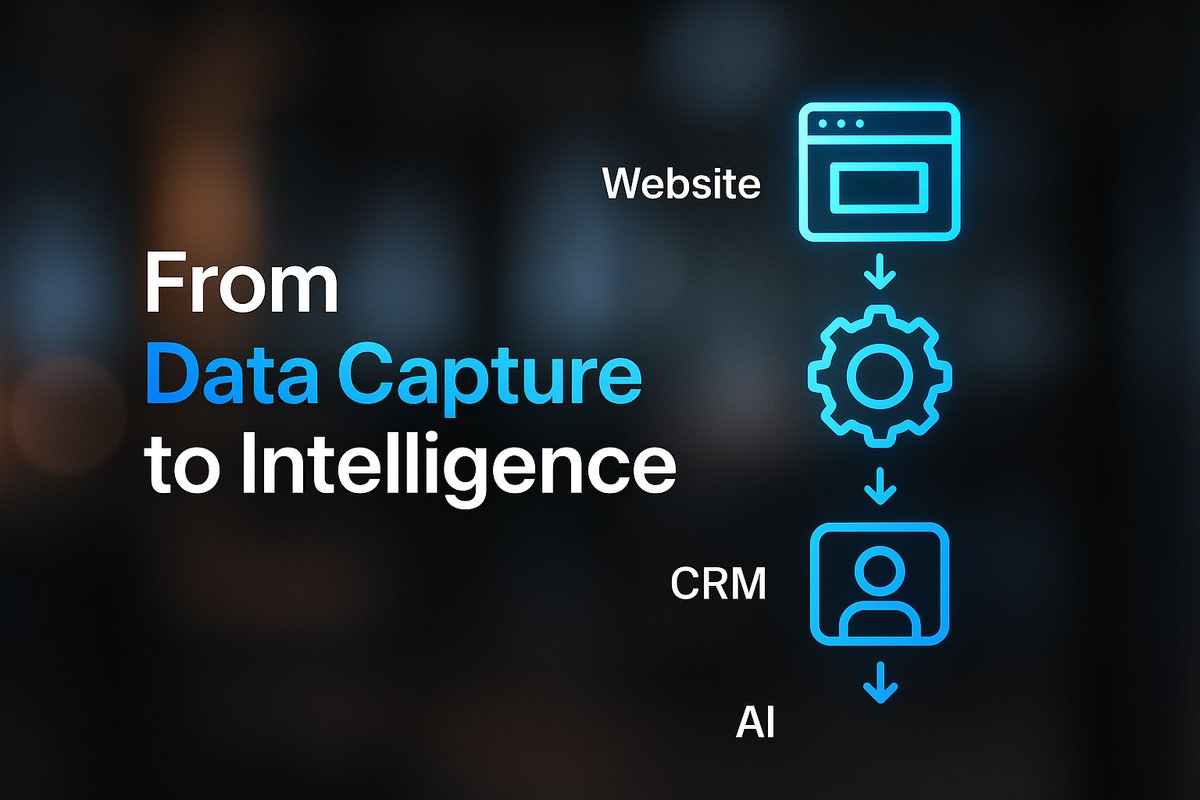
The most effective integration follows a four-layer architecture. First, a capture layer—your website forms and chat widgets—collects data. Second, automation routes data using tools like Zapier, Make, or a custom workflow. Third, a CRM layer serves as the system of record, storing all activity in one place. Last, an intelligence layer—AI—takes on specific tasks like sorting, extraction, summarization, or triage. Each layer has a clear role and reliable handoff points.
How Data Should Flow—Step by Step
A seamless system means every website form, chat, or calendar booking instantly becomes a structured CRM record. Automation then moves or enriches each data point: mapping fields, triggering alerts, or syncing with calendars. Bounded AI steps—for example, classifying inquiries, summarizing requests, or preparing draft replies—are only introduced where they add speed or clarity. Human approvals and fallback paths can be layered in at key points, such as before sending proposals or confirming appointments.
Regular integration testing and clear deduplication rules keep data clean and prevent errors from cascading between systems. For businesses new to this approach, our step-by-step automation guide offers practical starting points.
Website to CRM: Fastest and Most Reliable Methods
The quickest way to connect your website with your CRM is by embedding the CRM form directly. This ensures data lands in the right fields every time, with fewer technical surprises as your site updates. No-code connectors like Zapier or Make offer more flexible options when you need specific workflows or extra steps, but should always be set up with mapped fields, deduplication rules, and routine checks for breakage.
Custom API work is valuable for advanced needs such as two-way syncing or complex e-commerce logic, but most small businesses can start with embedded forms and no-code integrations.
Where to Use Automation—and Where to Use AI
Automation excels at moving data and following rules: copying fields, sending reminders, or updating records. Think of it as the engine orchestrating your routine work. AI steps best serve bounded tasks: classifying new leads, sorting messages by urgency, or generating tailored responses and summaries. Avoid treating AI as your core system—keep it supporting well-defined moments, especially where human input would slow a process.
Start with the processes that cause the most manual follow-up or data entry pain, then add AI as a step rather than an all-encompassing solution. For ideas on what to automate first, check our guide on which business processes should you automate first.
Don’t Automate Before You Map: Start with a Blueprint
Before choosing connectors or code, map the entire journey from website visit to closed deal and recurring service. Identify every system—CRM, calendar, payment, email—in play. Diagram where data changes hands, where authentication and security matter, and where human review is required. This mapping prevents brittle, ad hoc links that break as your stack evolves. It also helps maintain security, compliance, and clear audit trails over time.
For help building your workflow map, try our Workflow Blueprint Builder, created for teams who want stable automations that don’t fall out of sync.
How Integration Prepares You for Smarter, More Profitable Growth
Integrated systems let you move faster and do more with fewer people. When your website, CRM and automation tools share the same data, routine questions can be answered and routed without anyone re-entering details, and your team responds faster to the leads that need a person.
If you want to build your operational stack for both today’s needs and future AI opportunities, an integrated architecture is essential. Learn more about AI integration for small business workflows or AI integration costs and ROI.
Conclusion
The best way for small businesses to connect their website, CRM, automation, and AI is to architect a connected system before adding tools. Define data flows, clarify each tool’s role, and layer in automation and AI only where they truly add value. This creates a stable foundation for smarter work and easier growth.
If you want expert help mapping your own business systems integration plan—or want to see this architecture mapped to your current stack—book a business systems / automation mapping session with TitanTech360.
Frequently Asked Questions
What’s the difference between automation and AI in business systems integration?
Automation is rule-based and moves data or triggers actions when specific conditions are met. AI handles tasks that need contextual understanding, such as classifying messages or drafting responses. Use automation for data flow and AI for tasks that benefit from language, extraction, or reasoning.
Do I need custom development to integrate my systems?
Most small businesses can start with CRM forms and no-code connectors. Custom development is needed for two-way syncing, complex workflows, or unsupported software, but should not be the default.
Should I integrate everything or only connect certain processes?
Prioritize connecting the journeys that have the most manual effort, delay, or error risk. Not all processes need to be automated, but core customer touchpoints benefit most from seamless integration.
How do I maintain my integrations as systems change?
Map your system and use well-documented automation workflows. Run regular tests and keep up with vendor updates. A good integration partner helps you adapt quickly if APIs or interfaces change.
Where can I learn more about business automation and AI integration?
Check out our Business Process Automation Guides or browse AI Integration Guides for Small Business for step-by-step advice and best practices.
Ready to Put This Into Practice?
Let's talk about where your business stands today and what to fix first.
Book a Call