
Key Takeaways
- Focus each service page on one clear offering—avoid combining multiple services.
- Use distinct headings, meta tags, and URLs that describe your service and location.
- Show proof: include relevant testimonials, visuals, and team credentials.
- Answer common customer questions with an FAQ and add real, tracked calls to action.
- Optimize for speed, mobile, and structure—ensure your contact info is accurate and visible.
Introduction
A well-built service page for small businesses does more than describe what you offer—it connects you with the right customers while building trust for search engines and prospects alike. For effective service page SEO, each page should focus on a single, specific service, clearly state what you do and who it's for, and provide real proof of your results. Detailed scope, value, and an easy path to contact are non-negotiable. By following this checklist, you’ll turn search visits into real qualified inquiries—without confusing prospects or Google.
Keep It Simple: One Service, One Page
The first rule of service page SEO is clarity. Each page must spotlight a single service. Avoid combining offerings—when you put multiple services on one page, it confuses visitors and search engines. This focus prevents keyword overlap and keeps each page highly relevant, which helps you show up for the right search terms.
For example, if you offer both plumbing repairs and new installations, make one page for each. This signals to Google—and to potential clients—exactly what you provide, reducing confusion and driving more targeted inquiries.
Want help implementing this in your business?
Book a CallTitles, Headings, and Metadata: Spell Out Your Value
Clear, descriptive titles and strong headings do double duty: they signal intent to both Google and real humans. Make your page title and H1 specific about your service and (where appropriate) your location, like “Commercial Refrigeration Services in Austin.”
Unique meta descriptions should quickly sum up the service and set the page apart from others—you have one shot to hook a searcher before they click away. Try to fit your primary keyword naturally in both the title and at least one heading.
Want a closer look at page optimization and keywords? Check out our Step-by-Step SEO Process for Small Business guide for practical details.
Show What Matters: Scope, Process, Timelines, and Pricing
Clarity is your ally when describing what’s included (and what’s not). List out deliverables, explain your approach step-by-step, and mention any common timelines or scheduling factors. If you can't give an exact price, outline your pricing method, such as starting rates or the variables that affect cost. This transparency sets clear expectations and prequalifies prospects.
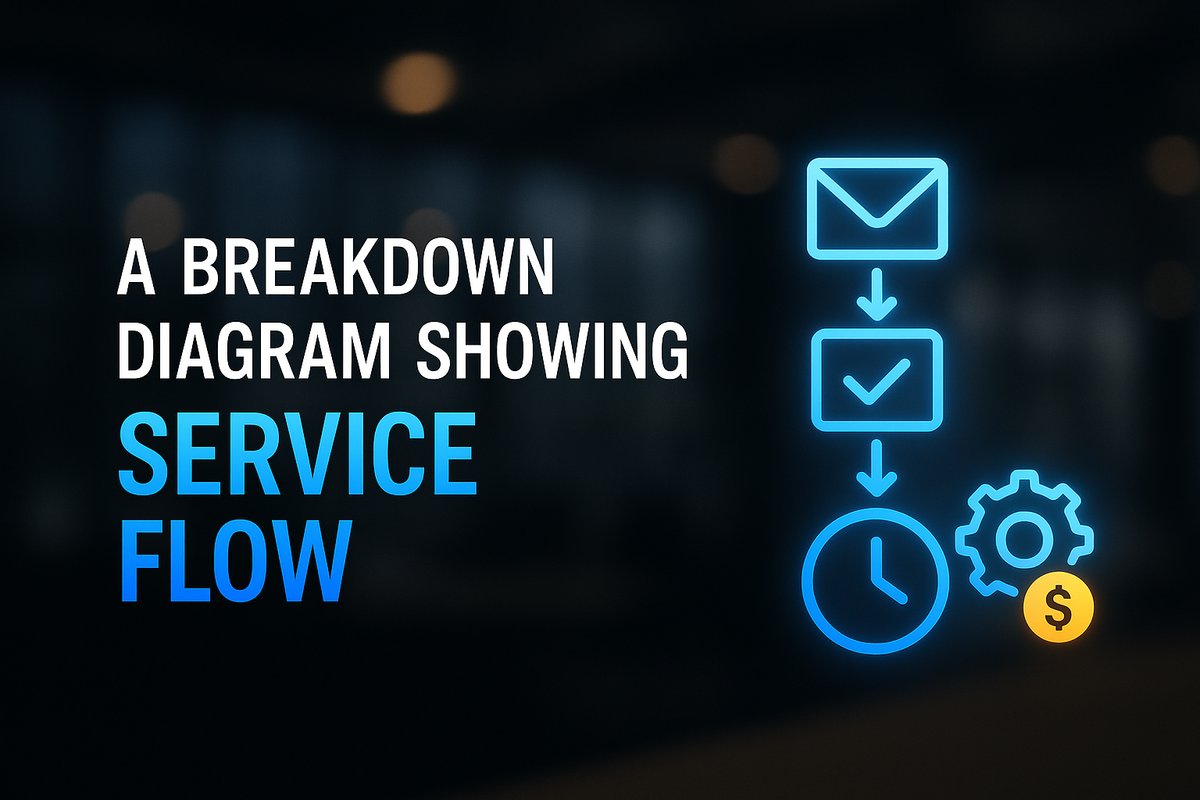
When you give visitors certainty about what to expect, you reduce friction and build trust. For more on setting pricing context, our SEO Pricing for Small Businesses page explains what to include (and what to avoid) for better leads.
Build Trust: Proof, Testimonials, and Real Visuals
Proof wins trust. Feature real customer reviews, a brief case study if you have one, or credentials for key team members. Keep these current and permission-based—outdated or obviously generic testimonials undercut credibility.
Show your work. Where possible, include photos, project screenshots, or visuals tied closely to real work (not just stock images). For services that happen behind the scenes, introduce the team or spotlight credentials and certifications.

FAQs, Schema, and Conversion Path: Seal the Deal
A tightly written FAQ answers real client concerns—this is good for both SEO and conversion. Include common questions, pain points, or even objections about the service, pricing, or process.
Support your FAQs and service details with relevant schema markup like FAQPage or Service schema whenever possible. Don’t forget clear, tracked calls to action: place one primary CTA above the fold (“Get a quote,” “Schedule a call”) and repeat after major sections. Include a backup option, like a short contact form.
Make sure your contact info matches your Google Business Profile and local listings. For more ideas, see our SEO Guides for WordPress and Growing Businesses resource hub.
Technical Foundation: Fast, Mobile, and Connected
Even the clearest page falls flat if it’s slow or unreadable on mobile. Check that your service page loads quickly, works well on all devices, and doesn’t block search engines. Use alt text for every image, make URLs clean and descriptive, and ensure internal links connect to both related services and resources.
Your NAP—name, address, phone—should be identical everywhere online to protect local rankings. End with a quick double-check: is your page indexable, is the conversion path tracked, and are your internal links (like those above) supporting visitor navigation?
For full-system optimization, explore how [TitanTech360 — Automation, AI & SEO for Businesses](/) approaches technical performance for growth-minded B2B teams.
Conclusion
A successful service page balances clarity, trust, and technical smarts—it’s not about tricking Google, but proving real value to prospects at every step. By sticking to the essentials on this checklist, you maximize both your rankings and your qualified inquiry rate. The next step? Review your own service pages with this checklist as your guide and see where focused improvements can make the biggest impact.
Frequently Asked Questions
How many service pages should my small business have?
Have one dedicated, SEO-optimized page per distinct service you offer. This gives each service a clear search presence and avoids cannibalizing rankings.
What proof should I show on a service page for trust?
Use permission-based testimonials, relevant photos or screenshots, project samples, and up-to-date team credentials. Make sure your proof matches the service in question.
Should my service page include pricing, even if it varies?
Yes—outline your pricing approach, ranges, or the main factors that affect cost. This helps filter prospects and sets accurate expectations.
Where should I put calls to action on a service page?
Add a primary CTA ('Get a quote', 'Call now') in the hero section and repeat it after each major section. Include a short contact form as a backup option.
Do I need schema markup on my service page?
Yes, where possible. Use FAQPage, Service, or LocalBusiness schema to help search engines understand your content and qualify for enhanced search features.
Ready to Put This Into Practice?
Let's talk about where your business stands today and what to fix first.
Book a Call