Key Takeaways
- AI meeting notes capture client calls, then extract decisions and next steps automatically.
- Action items get assigned owners and deadlines—no more relying on memory or manual note re-entry.
- Tasks and follow-ups are pushed directly to email, calendars, or project management tools for real accountability.
- Human review safeguards accuracy before anything is sent or tracked externally.
- This workflow transforms each call into clear, actionable deliverables for both teams and clients.
Introduction
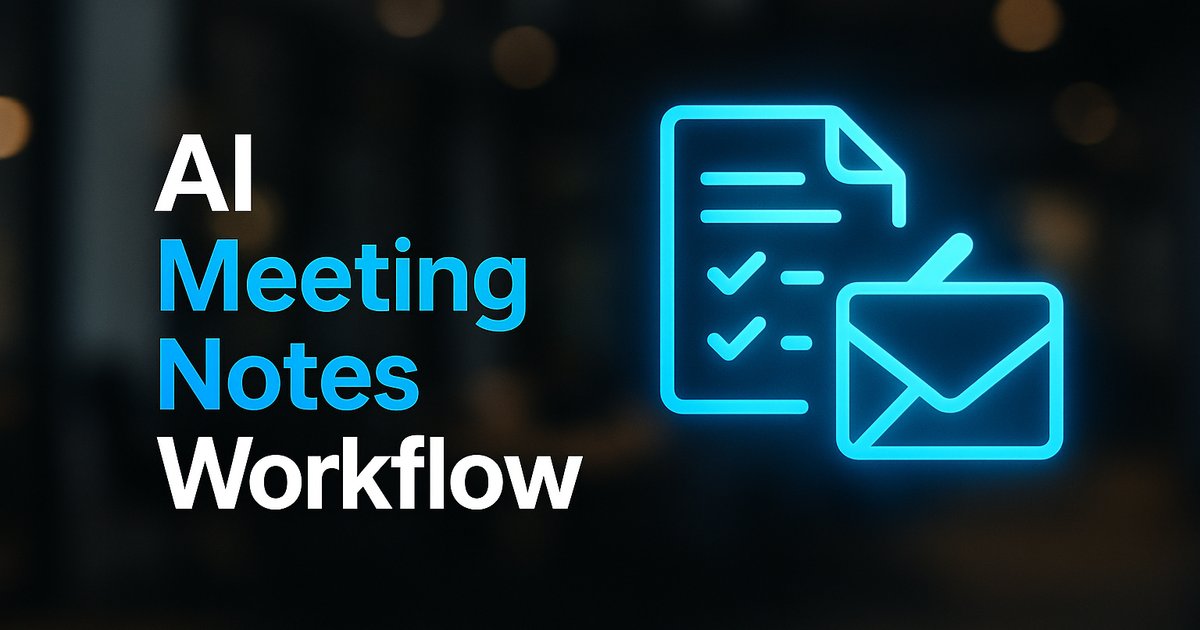
AI meeting notes can turn your client calls into actual progress by capturing every detail, extracting decisions and next steps, and pushing them into reviewable follow-up tasks—no more lost commitments or missed handoffs. Instead of relying on remembered conversations and scattered hand-written notes, AI-driven workflows convert each meeting into structured summaries with action items, assigned owners, and deadlines, then deliver those directly where your team works—project boards, calendars, CRM, or email. The result: every call ends with accountability, not ambiguity.
Businesses serious about client experience, project delivery, and scaling up workflows should understand how automated notes and task assignment work, why human review remains essential, and what it takes to transform ad hoc calls into real project momentum. Below is a practical view of the process—plus next steps to build an AI workflow for your team.
From Raw Call to Reviewed Action: The AI Meeting Notes Flow
AI meeting notes start by recording or transcribing your client call—video, phone, or in-person. Tools like Notta AI or Altitask then generate a structured summary, highlighting key decisions, commitments, and open questions. This summary is not just a transcription; it’s processed to flag action items and assign owners where possible, attaching due dates or marking when details are missing for manual input.
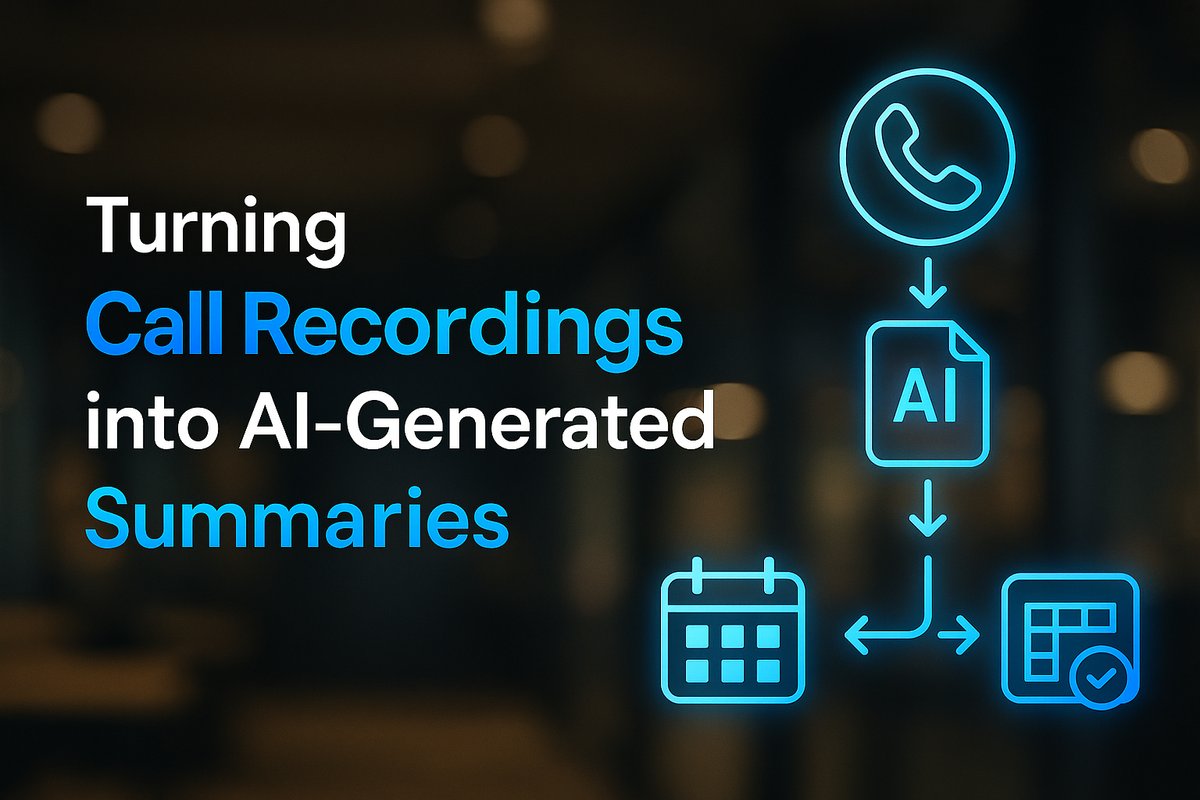
Importantly, the output is built for review: before it’s sent to a client or pushed to your project tool, you or another team member can check for accuracy, fill any gaps, and confirm assignments. This step prevents common AI errors from leaking into your process.
Want help implementing this in your business?
Book a CallExtracting Action Items: How AI Assigns Clarity to Every Task
Top-tier AI note systems don’t just transcribe—they parse spoken discussions to identify who agreed to do what, by when. For example, EasyClaw and Pick Low Fruit stress the importance of structuring notes around explicit decisions, owners, and dates, flagging ambiguities for review if the information isn’t crystal clear.
That means even if the AI doesn't catch who owns a task or deadline, it surfaces that missing info—letting you clarify before tracking or sharing externally. This reduces miscommunication and ensures nothing critical slips through the cracks.
Syncing with Your Workflow: The End of Manual Re-Entry
After review, AI-generated action items can be shuttled straight into the platforms your team actually uses: ClickUp, a shared Google calendar, your CRM, or wherever follow-ups live. Notta AI and Altitask automate this handoff—removing the need to rewrite tasks or hunt for who owes what after every call.
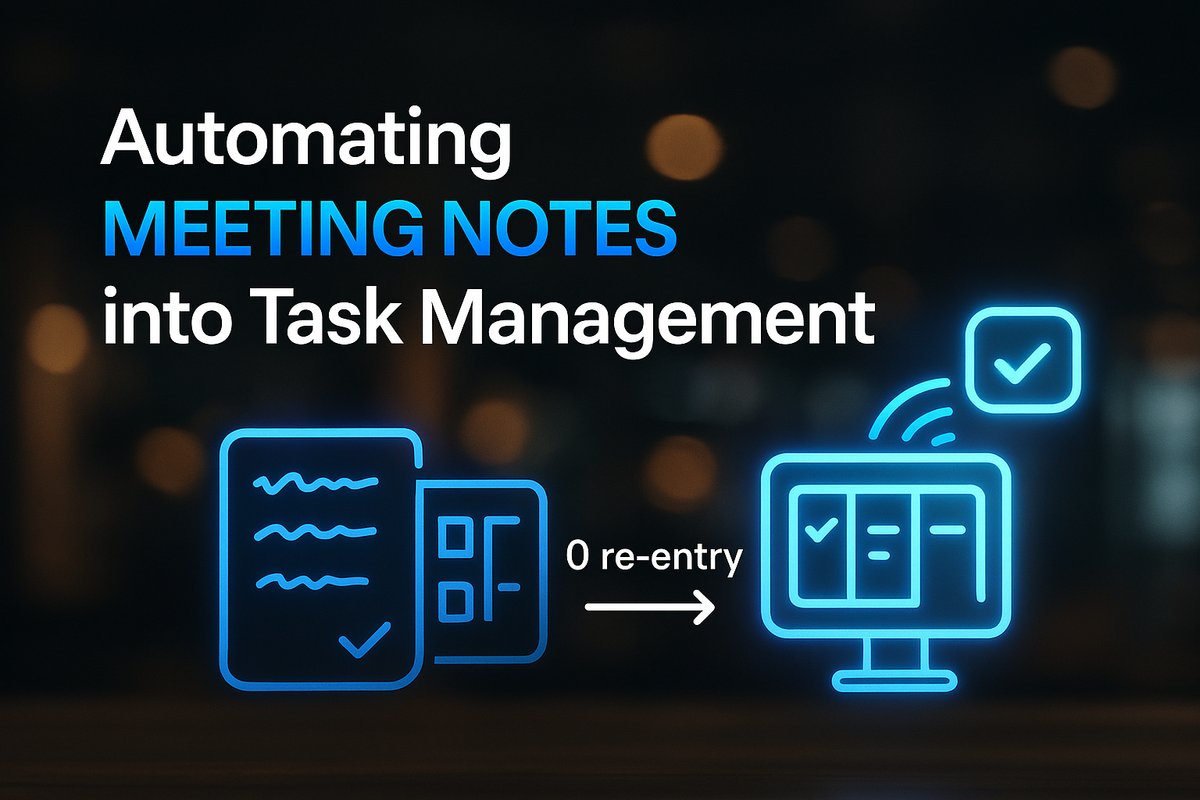
By integrating with these platforms, action items become immediately actionable—so follow-up always happens and client commitments survive the transition from meeting to workflow. This is the difference between hearing “I’ll take care of it” and seeing the task scheduled and owned.
Automated Follow-Up: Sharing and Tracking Client Commitments
With the action list set, tools like AgentDots and QubitApp help draft follow-up emails, slides, or status updates for both your team and your clients. The goal isn’t to automate away all communication, but to anchor every follow-up to the actual content and commitments made on the call—and to let a human verify accuracy before anything is sent.
This means your client gets a summary that’s both clear and trustworthy, while your internal team works from the same authoritative list. Consistent follow-up builds confidence in your process and keeps projects moving forward.
Building Confidence: Human Review and Searchable History
No workflow is flawless without oversight. QubitApp and AgentDots both highlight the necessity of keeping a person in the loop to check what the AI extracted—validating owners, clarifying deadlines, and making judgement calls where context matters.
Archiving each reviewed summary and action list in searchable meeting history means you can always revisit commitments or review progress weeks later. This searchable archive supports everything from client audits to troubleshooting missed deliverables.
Why AI Meeting Notes Work for Growing Businesses
For businesses scaling beyond a handful of client calls each week, manual notes simply can’t keep up. AI meeting note workflows unlock repeatable project delivery, reduce administrative drag, and sustain accountability—even as your team grows or starts to specialize.
If you’re working toward more reliable processes or considering automation, see our practical AI integration guide or explore which business processes to automate first. AI meeting notes are often a first, visible win for workflow transformation.
Conclusion
AI meeting notes move client calls from informal conversations into structured, trackable outcomes—minimizing lost follow-up and making accountability real at every stage. When paired with human review and direct integration into your workflow tools, this approach turns every meeting into reliable next steps, not vague reminders.
Ready to map out your AI-powered meeting workflow or explore what automation could unlock for your business? Start with our AI integration services overview or book a call with TitanTech360.
Frequently Asked Questions
What if the AI misses key points in the meeting?
Most AI platforms flag ambiguous or missing information, letting you review and add what's missing before anything is sent or tracked. Human review remains key to a reliable workflow.
Can AI meeting notes integrate with existing project management tools?
Yes, leading systems like Notta AI and Altitask can export tasks and action items directly to platforms such as ClickUp, Google Calendar, or a CRM, minimizing manual entry.
Does automation mean I lose control of my client communications?
No—AI workflows always include a human-in-the-loop review step before emails or follow-ups go to clients. You maintain full oversight and can edit content as needed.
Do I need a lot of technical expertise to set up AI meeting notes?
Not necessarily; many tools offer user-friendly onboarding. If your setup is more complex, working with an AI integration partner like TitanTech360 can simplify everything and align the workflow with your tech stack.
Ready to Put This Into Practice?
Let's talk about where your business stands today and what to fix first.
Book a Call